Vocal Separation
Separate vocals from music tracks
How to Use
Upload Audio
Select a music file with vocals
Process
Click "Separate" and wait for AI processing
Preview
Preview the separated tracks
Frequently Asked Questions
What types of audio work best?
Studio-quality recordings with clear vocals work best. Results may vary for low-quality recordings.
How many tracks will I get?
You will typically get 2 tracks: vocals and instrumental. Some songs may have more stems.
How long does processing take?
Processing takes 2-5 minutes depending on song length and complexity.
Key Features
AI-Powered Separation
Advanced AI separates vocals from instrumental tracks
Fast Processing
Get separated tracks in minutes
High Quality Output
Maintain audio quality during separation
Multiple Outputs
Get vocal, instrumental, and other stems
How to Use
Upload Audio
Select a music file with vocals
Process
Click "Separate" and wait for AI processing
Preview
Preview the separated tracks
Download
Download separated vocal and instrumental tracks
Examples
See how our tool separates vocals from music
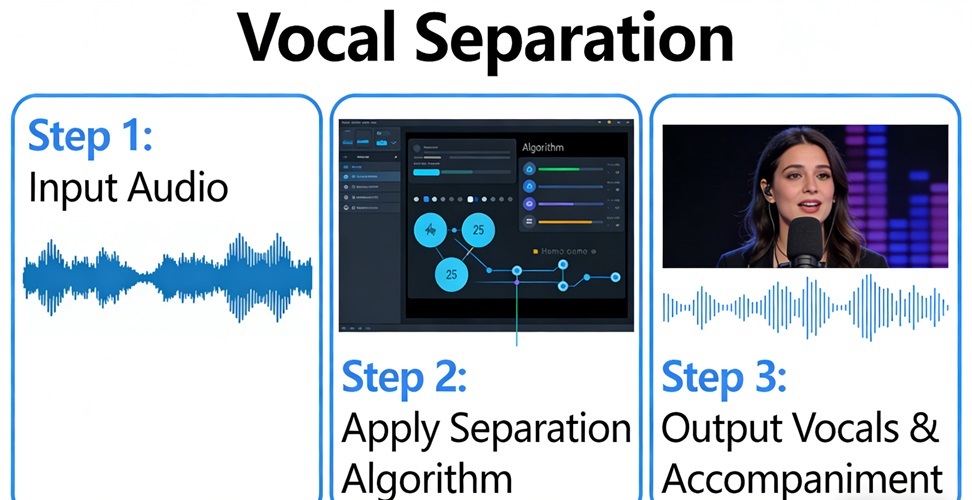
Example 1
Extract vocals from pop songs
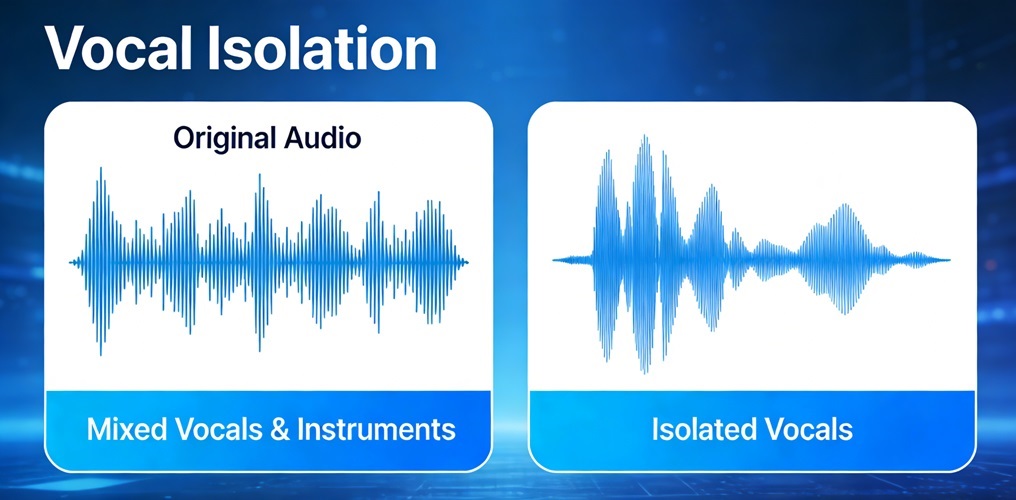
Example 2
Get instrumental tracks for karaoke
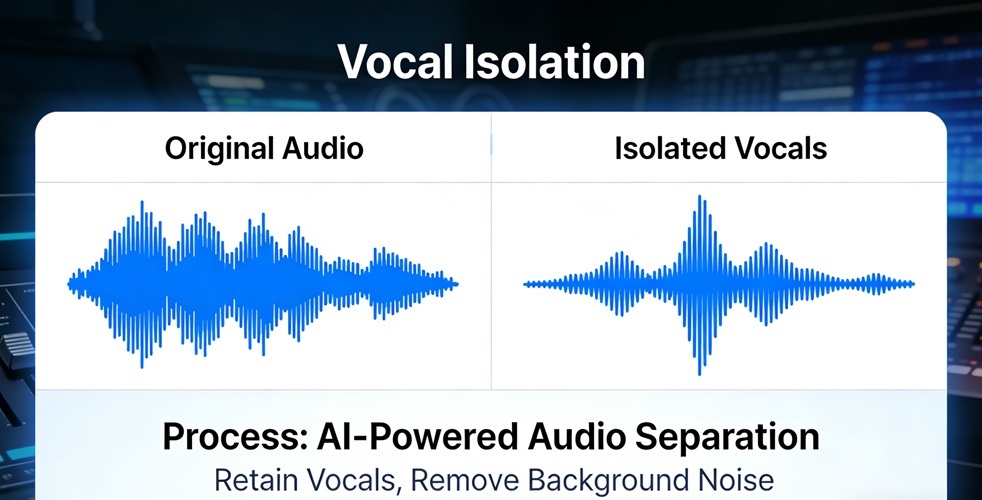
Example 3
Separate bass and drums