Video to Text
Extract text content from your videos with AI-powered speech recognition
Upload Your Video
Click to upload or drag and drop
MP4, AVI, MOV, MKV, WEBM up to 100MB
How to Use
Upload Your Video
Select a video file you want to extract text from
Select Language
Choose the primary language spoken in the video
Extract Text
Click "Extract Text" and wait for AI processing
Get Result
Copy or download the extracted text
Frequently Asked Questions
What video formats are supported?
We support MP4, AVI, MOV, MKV, and WEBM formats. Videos should be under 100MB.
How accurate is the text extraction?
Our AI achieves up to 95% accuracy depending on audio quality and language.
What languages are supported?
We support English, Chinese, Spanish, French, German, Japanese, Korean, and more.
Can I extract text from videos with background music?
Yes, our AI can distinguish between speech and background music.
How long does processing take?
Processing time depends on video length. Typically takes 1-3 minutes per minute of video.
Examples
See how our tool extracts text from videos
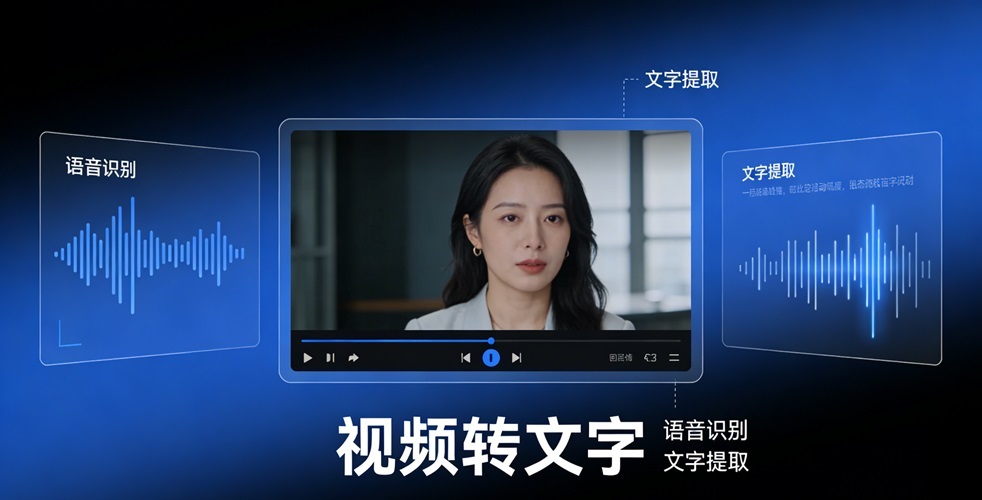
Extract text from interview videos
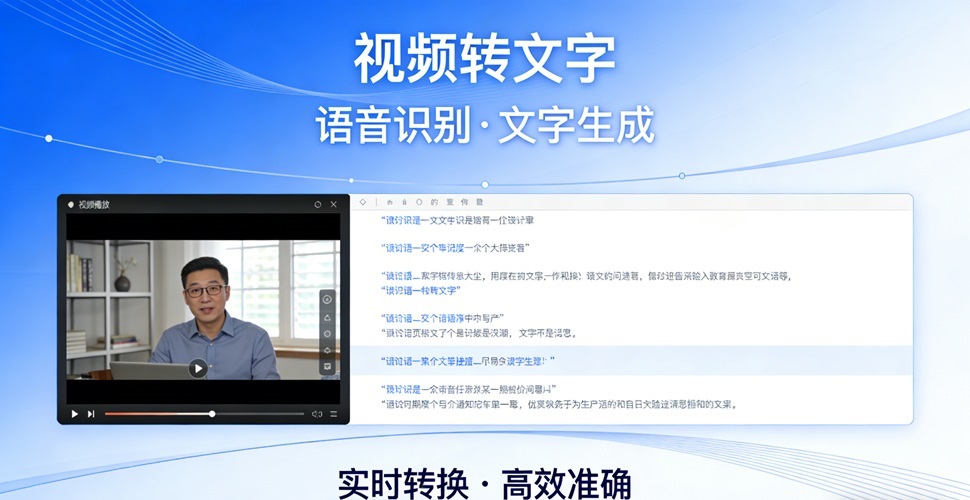
Convert lecture content to text
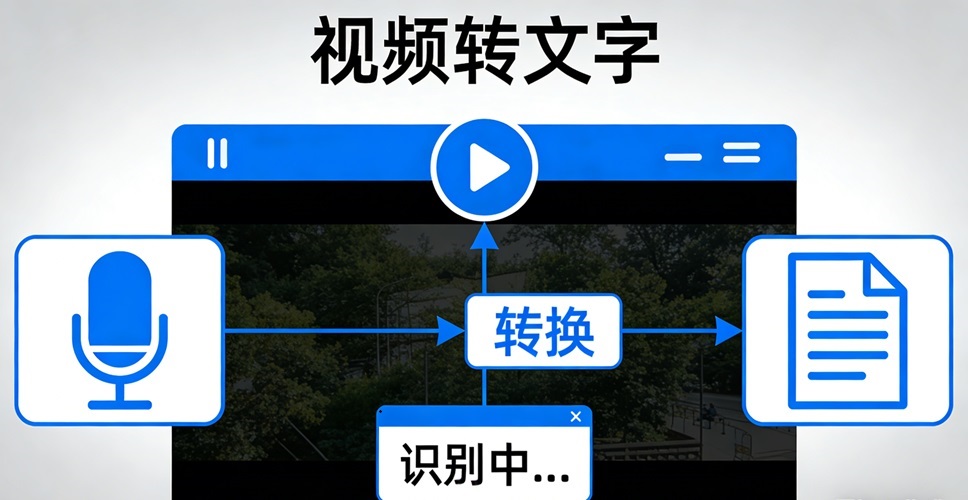
Subtitle generation from video