CSV Split
Split a CSV file into multiple files
Key Features
🤖
Smart Split
Intelligent row counting and file division
⚡
Fast Processing
Split large CSV files in seconds
✨
Data Preserved
Maintain data integrity and formatting
🎯
Flexible Options
Customize split by rows or file count
How to Use
1
Upload CSV File
Click to select your CSV file
2
Set Split Options
Choose how to split (by rows or number of files)
3
Split File
Click the split button to divide the file
4
Download Result
Download your split CSV files as ZIP
Examples
See how CSV split works in practice
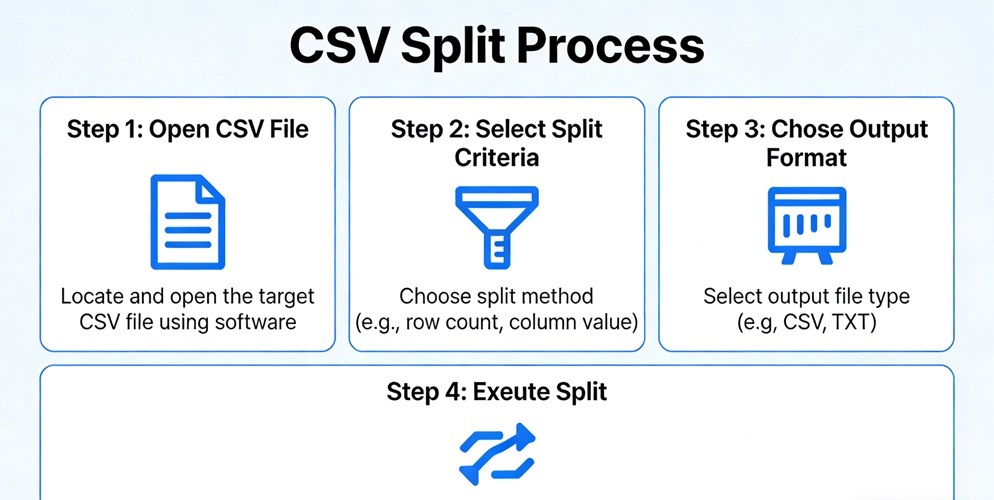
Example 1
Split large dataset into manageable parts
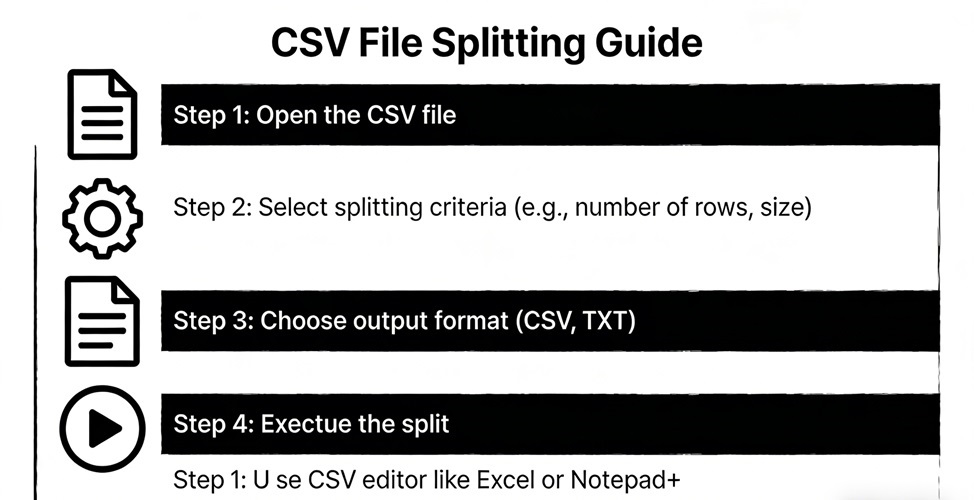
Example 2
Divide monthly reports into individual files
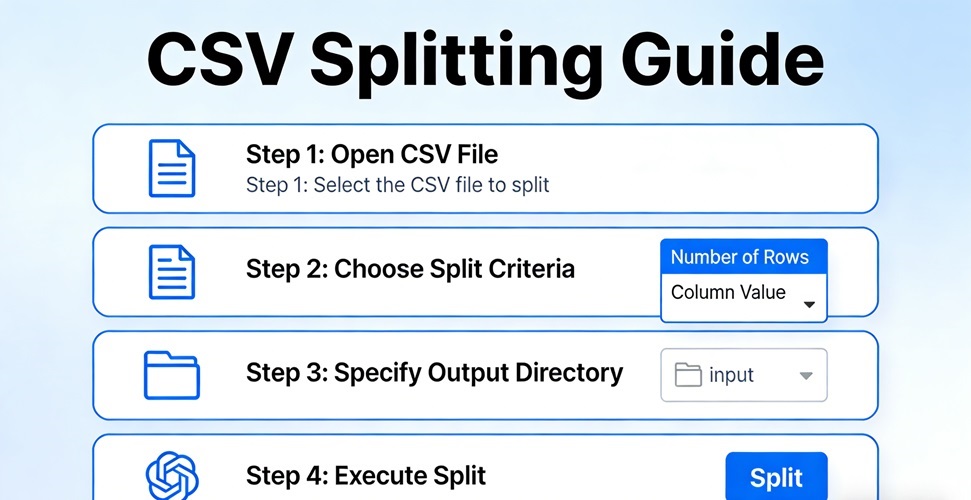
Example 3
Separate customer lists by region