Audio Repair
Repair and enhance damaged audio
How to Use
Upload Audio
Select a damaged audio file
Select Issues
Choose the problems to fix
Repair
Click "Repair Audio" and wait for processing
Download
Download your repaired audio
Frequently Asked Questions
What types of audio problems can be fixed?
We can fix background noise, clicks, pops, hums, and audio dropouts.
Will the repair affect audio quality?
Our AI minimizes quality loss while removing unwanted artifacts.
How long does repair take?
Processing takes 2-5 minutes depending on the file length.
Can I preview before downloading?
Yes, you can preview the repaired audio before downloading.
What formats can be repaired?
We support MP3, WAV, AAC, and FLAC formats.
Key Features
AI-Powered Repair
Automatically repair and enhance audio quality
Fast Processing
Repair audio in minutes
Quality Enhancement
Remove noise and improve clarity
Multiple Repairs
Fix noise, clicks, pops, and more
How to Use
Upload Audio
Select a damaged audio file
Select Issues
Choose the problems to fix
Repair
Click "Repair Audio" and wait for processing
Download
Download your repaired audio
Examples
See how our tool repairs audio
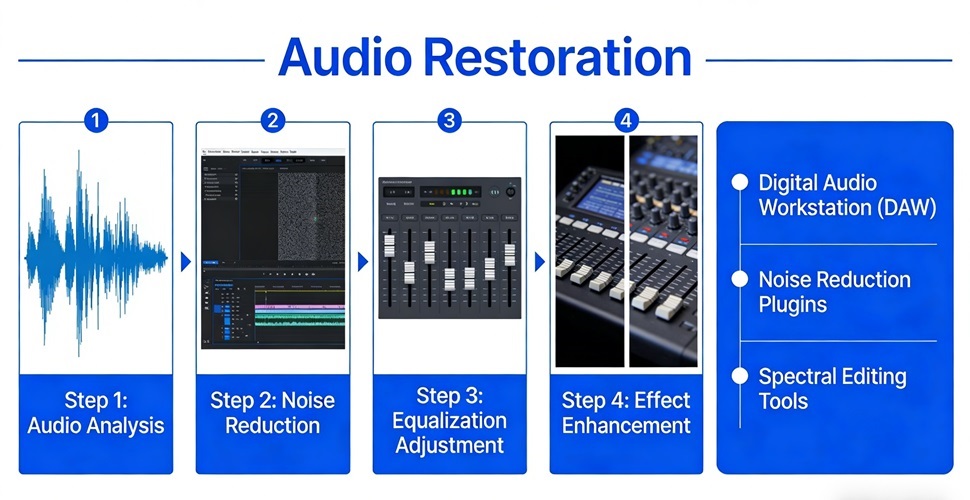
Example 1
Remove background noise
Example 2
Fix audio clicks and pops
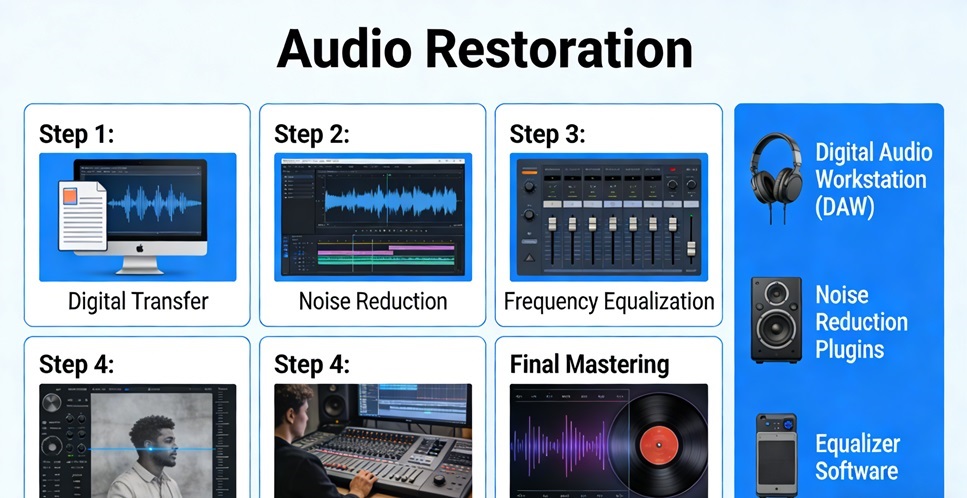
Example 3
Restore old recordings