Audio Clip Merge
Merge multiple audio clips into one
Click to upload audio files
Supports MP3, WAV, AAC, FLAC
How to Use
Upload Audio Clips
Select multiple audio files you want to merge
Arrange Order
Drag and drop to arrange the order of clips
Merge Audio
Click "Merge Audio" and wait for processing
Download Result
Download your merged audio file
Frequently Asked Questions
What audio formats are supported?
We support MP3, WAV, AAC, and FLAC formats. You can mix different formats in one merge.
How many clips can I merge at once?
You can merge up to 10 audio clips at once. For more clips, you can merge in batches.
Will the audio quality be affected?
Our tool maintains the original quality of each clip during the merge process.
Key Features
Advanced AI Technology
Powered by AI for intelligent audio merging and alignment
Fast Processing
Merge multiple clips in seconds
High Quality Output
Maintain audio quality during the merge process
Customizable Settings
Adjust clip order and transitions
How to Use
Upload Audio Clips
Select multiple audio files you want to merge
Arrange Order
Drag and drop to arrange the order of clips
Merge Audio
Click "Merge Audio" and wait for processing
Download Result
Download your merged audio file
Examples
See how our tool merges audio clips
Example 1
Merge podcast episodes
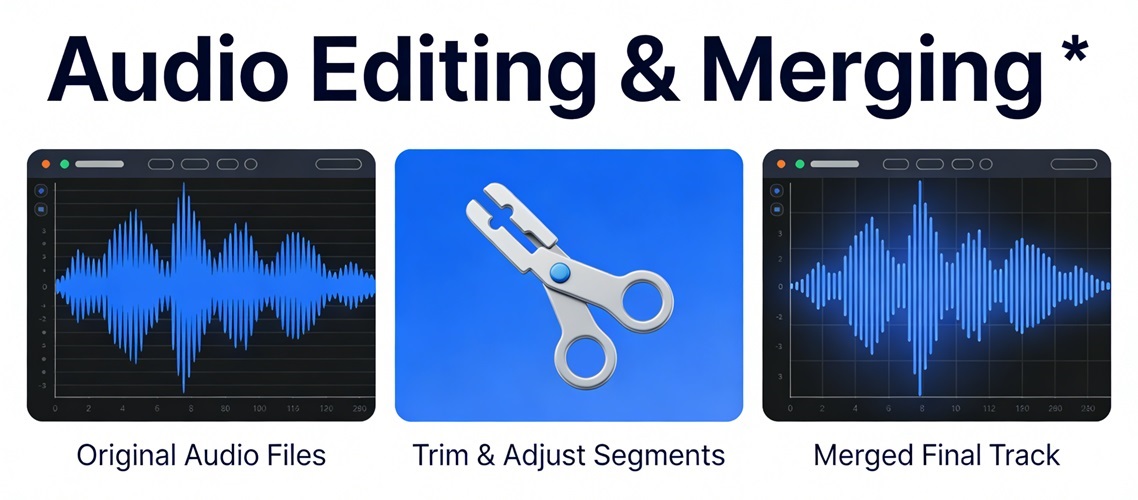
Example 2
Combine music tracks
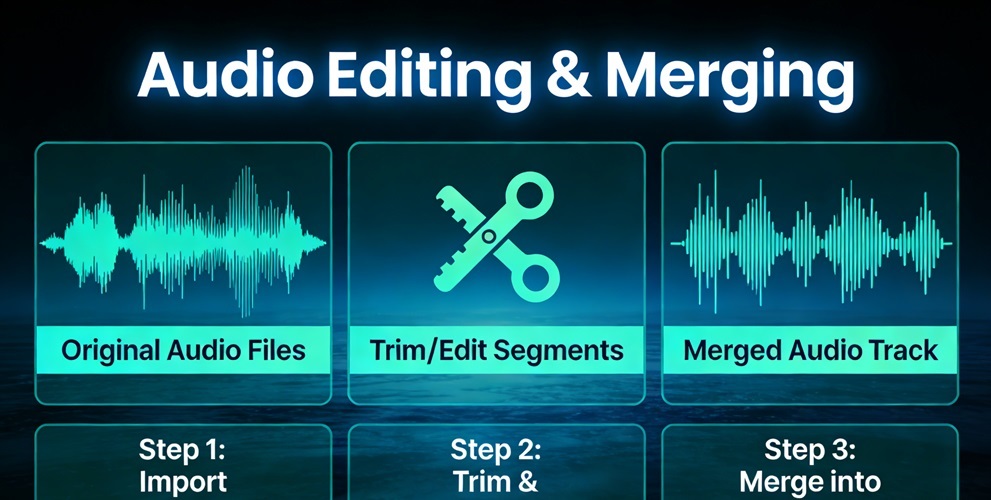
Example 3
Join voice recordings